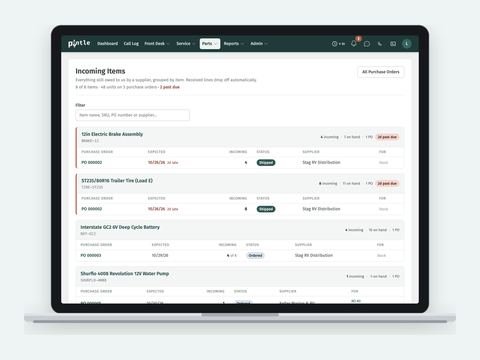
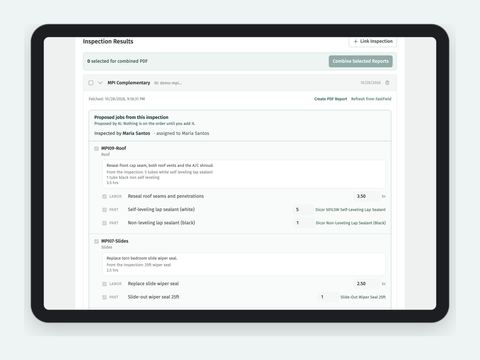
One list of every part still on order and when it’s due, so nobody orders a part that’s already on its way.
When the only view is the purchase-order list, checking whether a part is coming means opening POs one at a time, and a half-received order looks finished. Pintle’s Incoming Items groups every open PO line by part, keeps a partly received or backordered line on the list until the rest arrives, and puts the most overdue first.
See where every part on order stands →
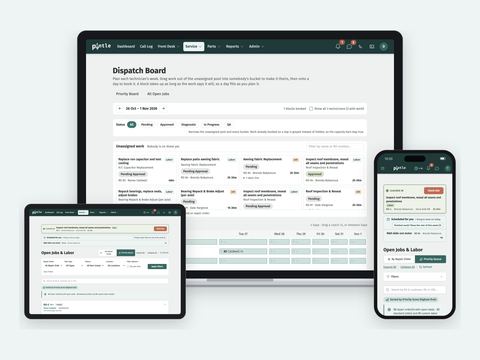
A work board where Monday’s “Tomorrow” doesn’t still say Tomorrow on Thursday.
A board that stores the column name goes stale the first day nobody re-drags it, and the job that slipped is the one nobody looks at again. Pintle’s work queue stores the date you picked, so untouched work rolls into Today marked past due, and anything parked too long in Future gets flagged.
See the advisor work queue →
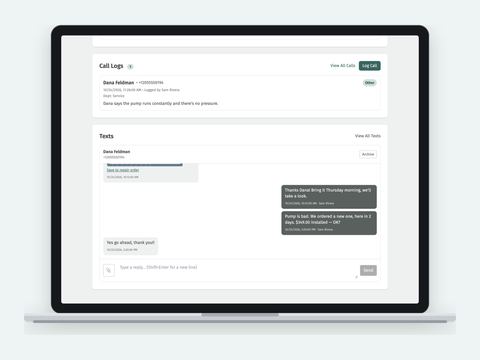
The customer’s record on screen the moment you answer, and every call logged, missed ones included.
When the phone and the shop software don’t talk, the advisor spends the first minute of every call asking for a name and digging. In Pintle an answered call opens the customer’s record, every call is logged without anyone typing it, and a recorded call becomes a transcript and a summary linked to the repair order.
See how calls and texts land on the repair order →
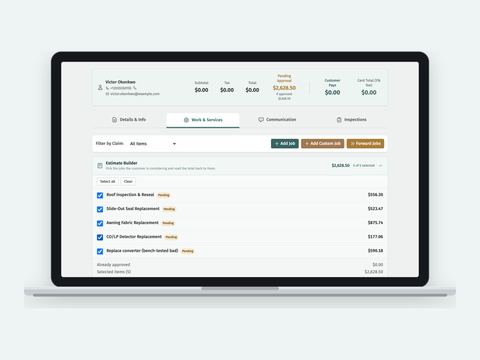
Quotes that already count tax on parts nobody has picked yet, so the total you read the customer doesn’t grow when parts fills the order.
A placeholder part has no item yet, so there’s nothing to look its tax up from, and it’s easy to quote it untaxed. The tax then lands on top of a number the customer already heard. Pintle estimates that tax up front and shows it on the quote, so what you said on the phone and what you bill agree.
See how a repair order quotes unpicked parts →
Propane sold by the gallon and hose by the foot, without rounding the sale or inventing a part for a tenth of a gallon.
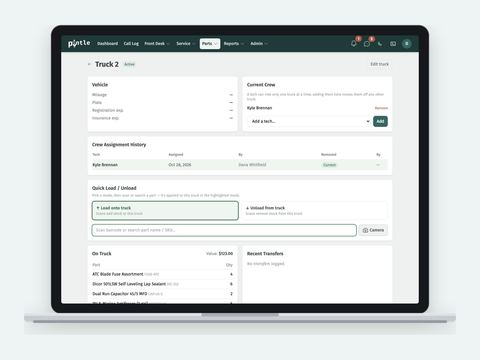
An RV shop sells 13.2 gallons of propane and 6.5 feet of sewer hose, and software that counts stock in whole units forces a workaround for both. In Pintle stock quantities carry decimals all the way through: sales, repair orders, purchase orders, receiving, truck stock and cycle counts. Serialized items still count in whole units.
See how parts and inventory work →
Last month’s invoices still match the customer’s copy after you change a tax rate or mark a customer exempt.
In some systems, a settings change quietly reprices work you already billed. In Pintle part prices freeze when the customer approves the work, and the tax rate and exemption are frozen onto the order at checkout, so a later change only affects new work.
See what freezes, and when →